

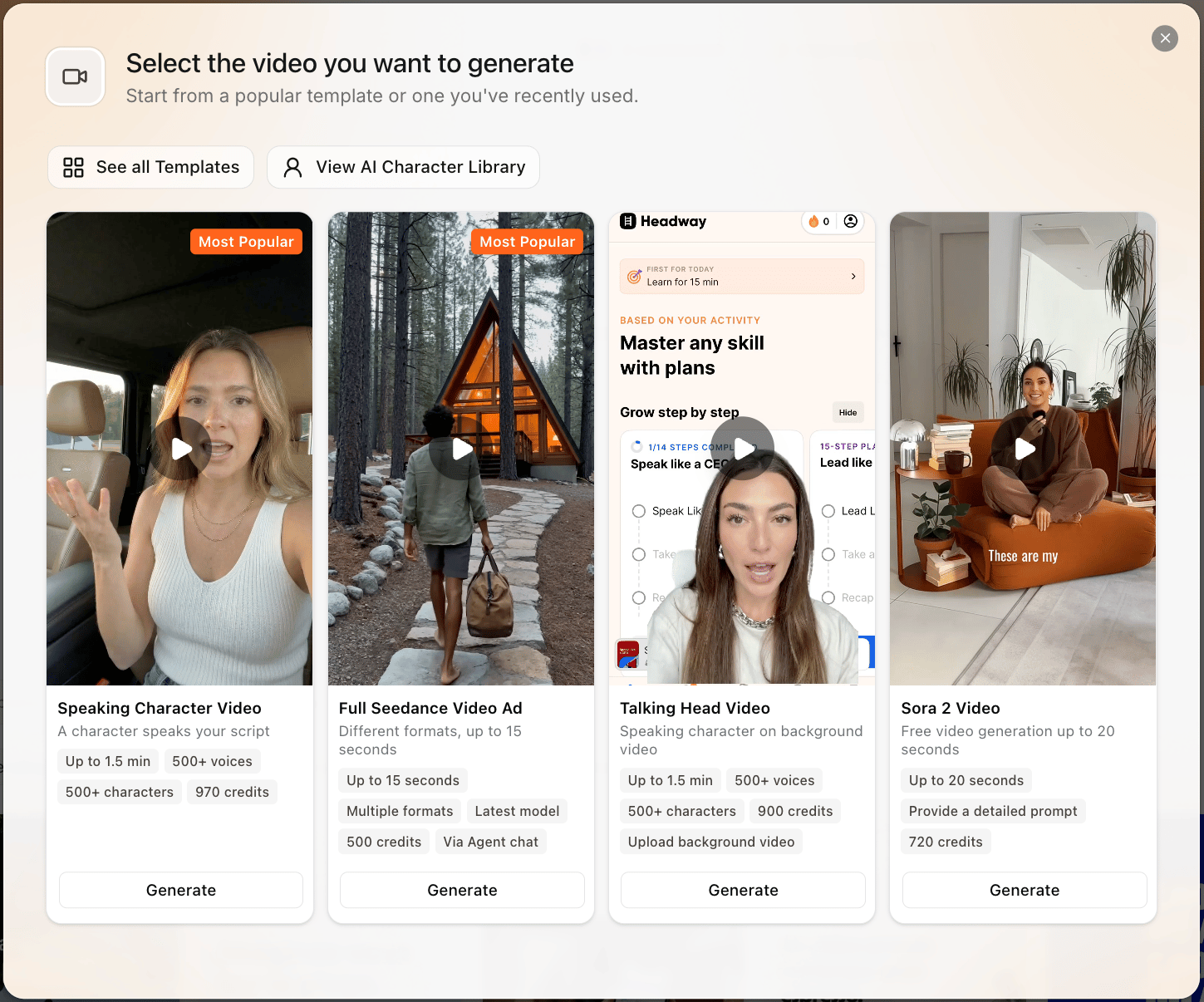
Choose the right video workflow
Seedance chat video
Best for fast 9:16 paid-social concepts generated directly from a brief, storyboard, and references.
UGC testimonial
A synthetic creator talks to camera in English. Strong for direct-response testimonial-style ads.
Voiceover with B-roll
Best when product footage, app screens, packaging, or screen recordings should be the visual proof.
Video templates
Use the reusable template/avatar workflow when you need a saved actor, actor selection, or more controlled assembly.
How a video comes together
Describe the ad
Include the audience, angle, format, language, product, and any references. If you do not know the angle yet, ask the agent to research options before it writes the storyboard.
The agent writes the storyboard
It turns your brief into a scene-by-scene script, grounded in your context, references, and research signals.
Generate scenes and voice
One storyboard becomes a multi-scene 9:16 video, with native English audio or a post-mixed voiceover for other languages.
Export or publish
Export the finished asset. If Superscale shows resize or publish controls for that asset and connected destination, use them from the export view.
Seedance formats
Seedance chat video is currently 9:16 vertical. The format picker offers the formats that fit your product type and language.Chat video generation does not currently create horizontal or 16:9 Seedance videos. If you need a different final placement, start with a vertical ad and use the export or recreation controls shown for that asset.
Before spending video credits
Video is expensive compared with statics, so reduce uncertainty first.- Write or approve the script before rendering.
- Attach exact product visuals, app screenshots, or B-roll if they matter.
- Add pronunciation guidance for brand names and acronyms.
- Use a short test or smaller batch before scaling a format.
- Keep the output goal clear: hook test, product demo, testimonial, localization, or winner iteration.
- Decide whether you need Seedance chat video or a reusable video template/avatar workflow before briefing the asset.
Common video questions
Should I generate everything from scratch?
Should I generate everything from scratch?
Not always. Use real B-roll, screenshots, product footage, and testimonials when those details need to be accurate. Use AI for the parts you cannot shoot quickly.
Can I edit one scene without remaking the whole video?
Can I edit one scene without remaking the whole video?
Think scene-by-scene. If one scene is weak, use the scene regeneration or replacement controls shown for that asset instead of starting from zero.
How long should the video be?
How long should the video be?
Most Seedance formats default to short-form, usually 15 seconds. Supported chat durations include 4, 5, 8, 10, 12, 15 seconds, and longer 20-45 second story formats when those formats are enabled in your video workflow.
Can I make a non-English talking-head testimonial?
Can I make a non-English talking-head testimonial?
Not as a native talk-to-camera Seedance format. Use UGC Lifestyle or B-Roll with post-mixed voiceover for non-English ads.
What if the video looks too AI?
What if the video looks too AI?
Add real assets, use more natural scripts, reduce over-polished delivery, choose a better voice, and keep scenes tighter. Hybrid workflows usually look more believable.
Set up video context
Give the agent the footage, references, voice rules, and product details it needs.